Étape 1
Créer le produit de démo WooCommerce
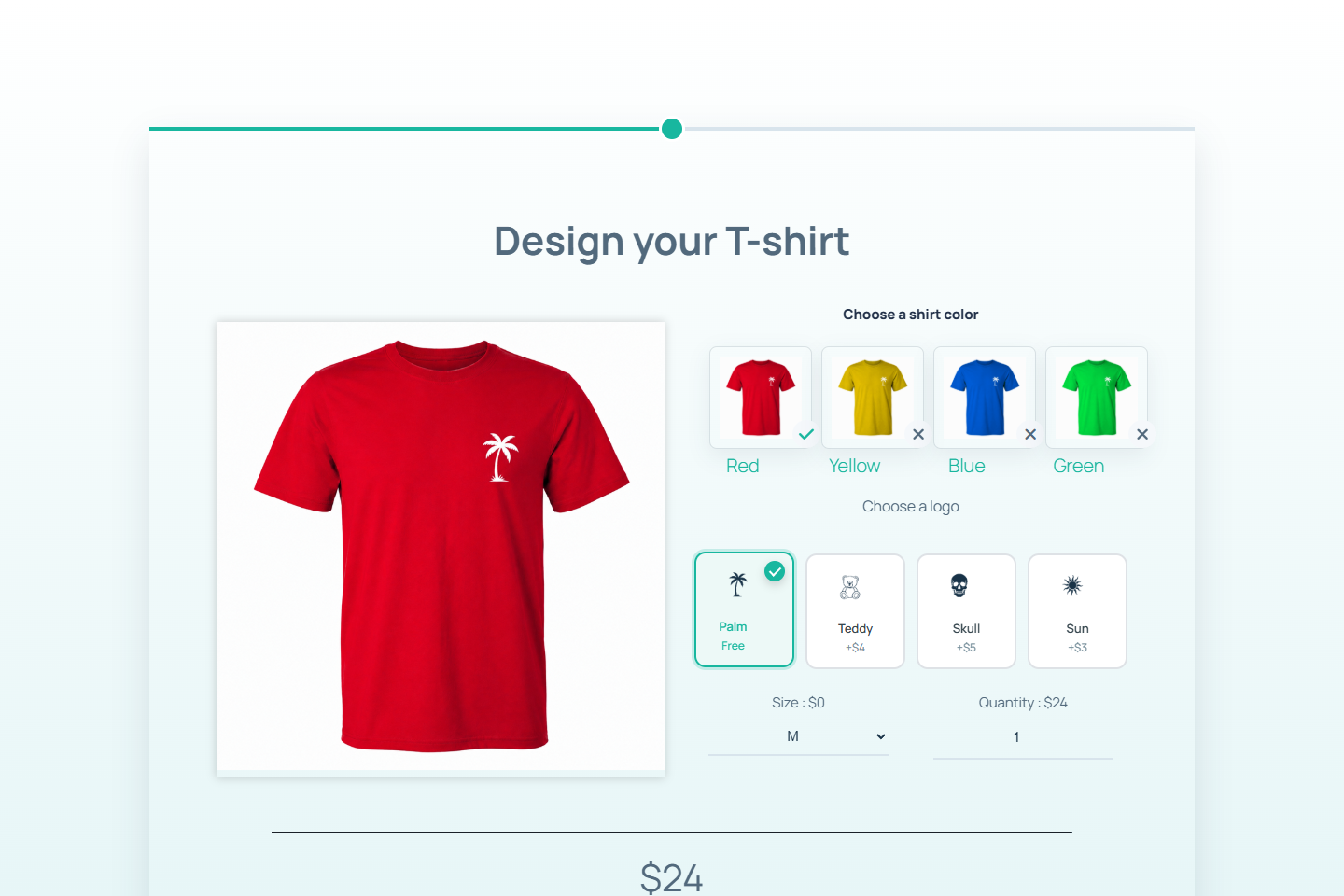
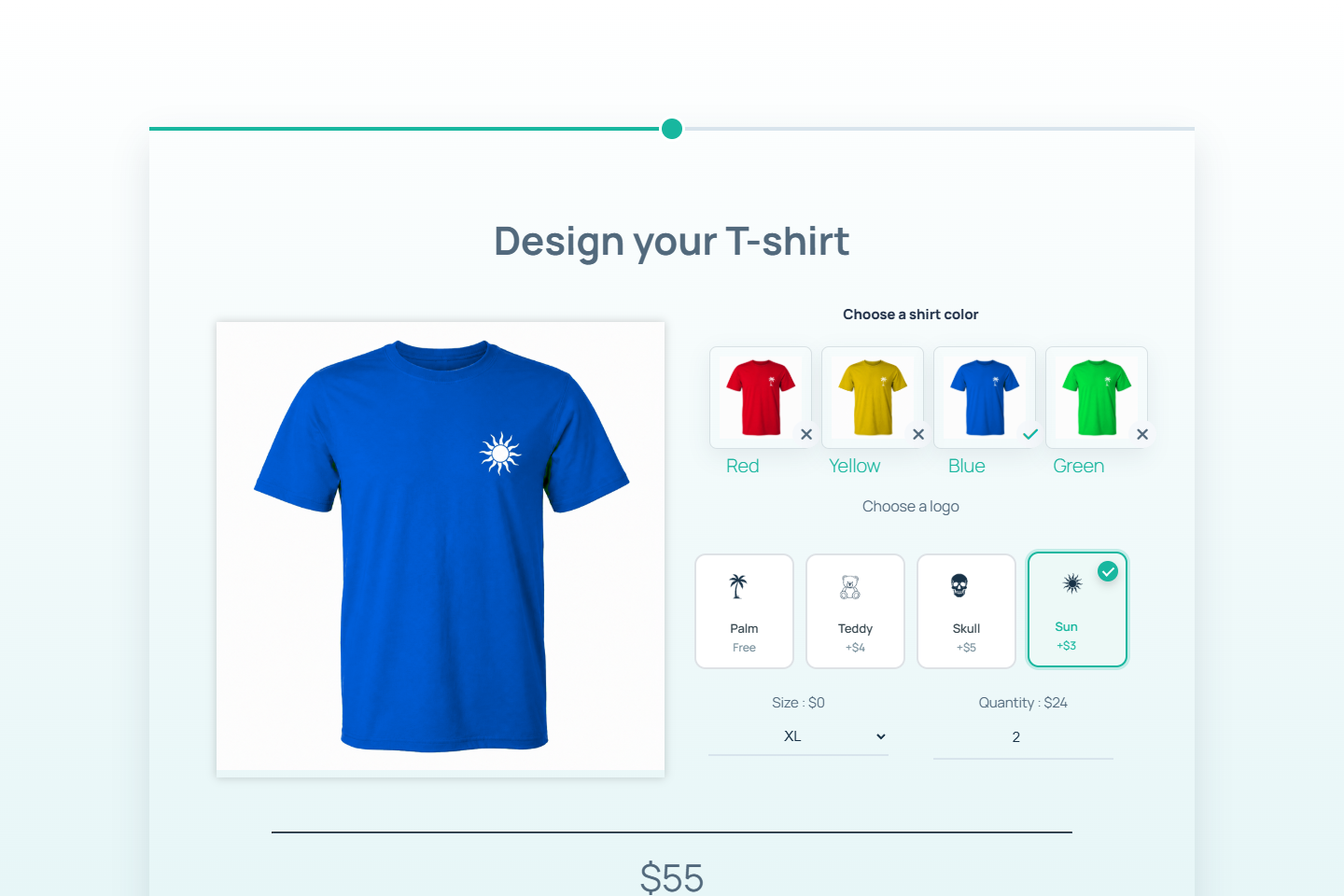
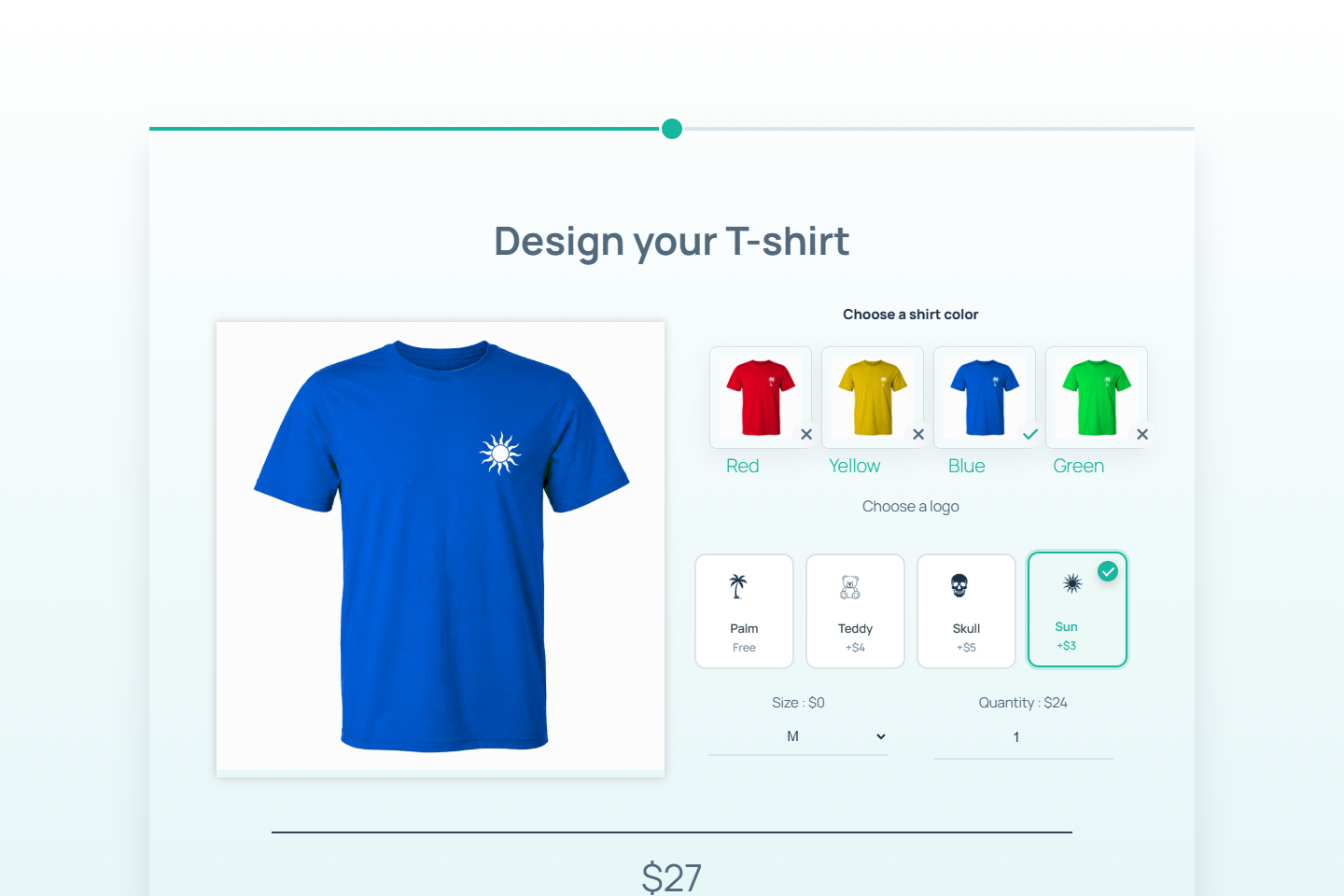
Commencez avec un produit WooCommerce simple qui représente l’article personnalisé à configurer. Dans la démo, le produit s’appelle Démo T-shirt Logo Personnalisé et utilise un prix de base de 24 $.
Le calculateur peut ensuite collecter les options produit, calculer le prix configuré et transmettre un récapitulatif lisible au workflow WooCommerce.
- Utilisez un nom de produit clair.
- Définissez le prix de base avant d’ajouter les suppléments d’options.
- Utilisez une image produit qui correspond à l’aperçu par défaut du calculateur.