Google Analytics 4 measures site visits and Google Ads measures advertising clicks and checkout completions, only for the purposes you accept. Neither is required to buy. Necessary checkout services remain available.
Reviewed-quote selection guide
Choosing a WordPress Quote Request Form for Reviewed Scope
Use this guide when a business must review a brief before offering a price. Collect the relevant service, constraints, requested options and contact details; explain what happens after submission. Add a live estimate only where repeatable pricing rules justify it.
Bottom line
A structured request can be useful without immediate pricing or payment. This guide is written by the developer; it does not establish conversion gains over a contact form.
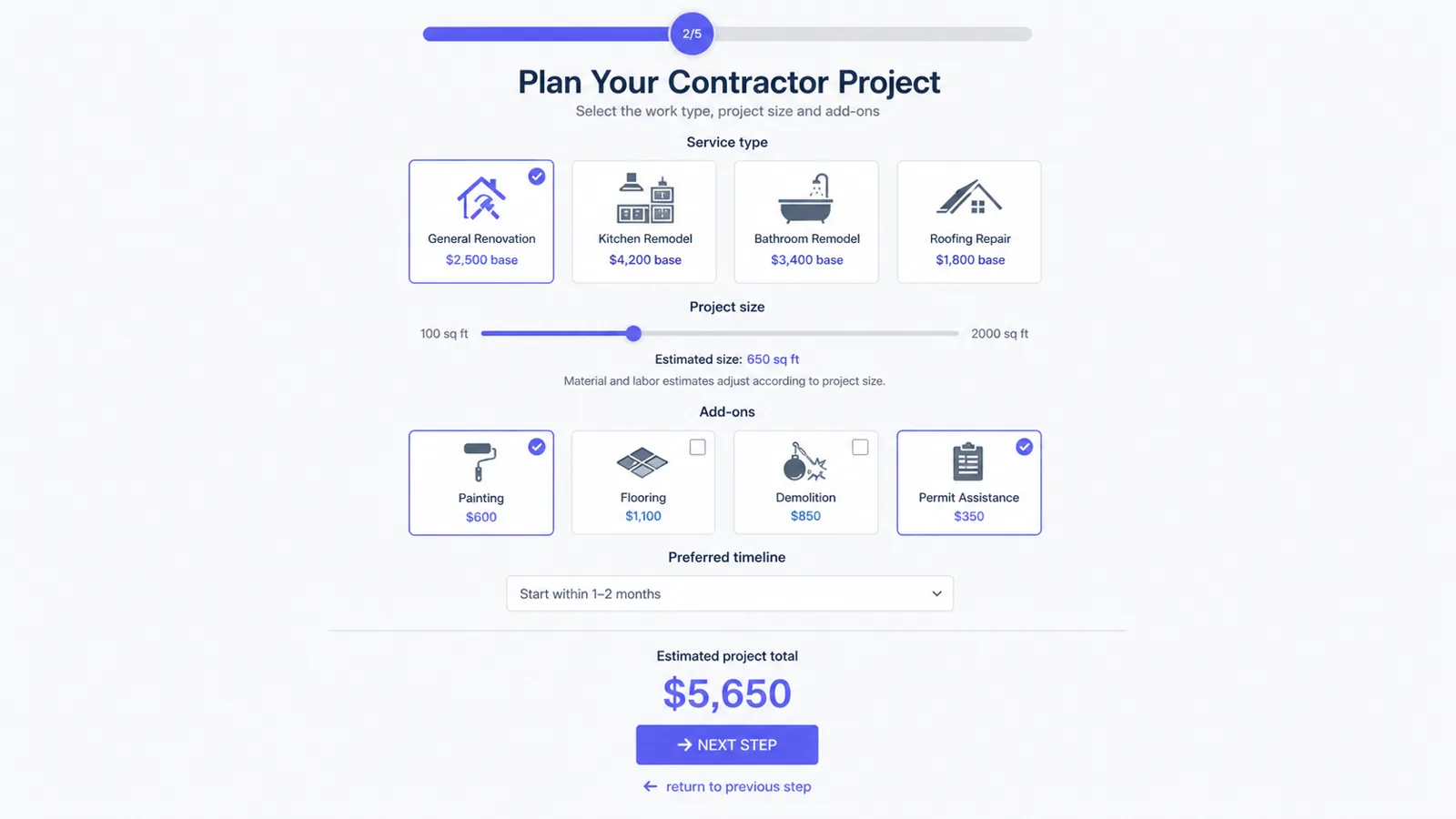
Ask for scope, eligibility, timeline and information needed to follow up. For an agency, package choices and relevant add-ons may structure the conversation even when a person still reviews the price. Avoid asking for data that does not help the next step.
Explain the response
Make it clear whether submission requests a callback, a reviewed proposal or an estimate. A summary is not proof of an accepted quote, a sent email or a received payment. Test notifications, validation and data handling separately in the configured form.
Choose fields and conditions by need
Compare required fields, multi-step navigation, conditional questions and a readable summary. A general form builder may be sufficient for data collection; use the calculator guide when a live total is central. Do not select a product only because it adds payment or booking features you do not need.
Keep payment a separate decision
If a deposit becomes relevant after scope review, use the Stripe guide and its confirmation checks. It documents a WordPress form payment integration, not the Freemius purchase of the plugin. Neither a displayed total nor a purchase button proves a completed payment.
Buyer questions
Frequently asked questions
Must a quote request show a price?
No. It can collect scope for review. An instant calculator is a separate choice when consistent rules can produce an estimate.
Does submitting the form prove follow-up or payment?
No. Verify configured notifications, summaries and any payment confirmation in their own authorized tests.
Recommended next steps
Review the demos, compare the pricing section, and use the documentation to verify the exact workflow before building a complex calculator.