Loading...

Your privacy choices

Google Analytics 4 measures site visits and Google Ads measures advertising clicks and checkout completions, only for the purposes you accept. Neither is required to buy. Necessary checkout services remain available.

Your privacy choices

Google Analytics 4 measures site visits and Google Ads measures advertising clicks and checkout completions, only for the purposes you accept. Neither is required to buy. Necessary checkout services remain available.

These optional Google services may set audience or advertising cookies after your acceptance. Analytics and advertising are separate choices. Acceptance and refusal are remembered in this browser for a fixed 180 days, without extending the period when read. You can withdraw or change your choices at any time using Privacy choices in the footer. Withdrawal removes optional first-party Google cookies and reloads the page if Google has already loaded (using session storage in this tab if persistent storage refuses the withdrawal; a blank page opens only if both stores cannot safely record the withdrawal and a stale approval remains). Checkout, external demos, videos, support and newsletter services have their own privacy information.

Official guide library

WordPress Quote Form Guides

Practical tutorials for building quote calculators, payment forms, price calculation workflows, and AI-assisted forms with WP Cost Estimation.

Current library

3

published guides

EN

canonical language

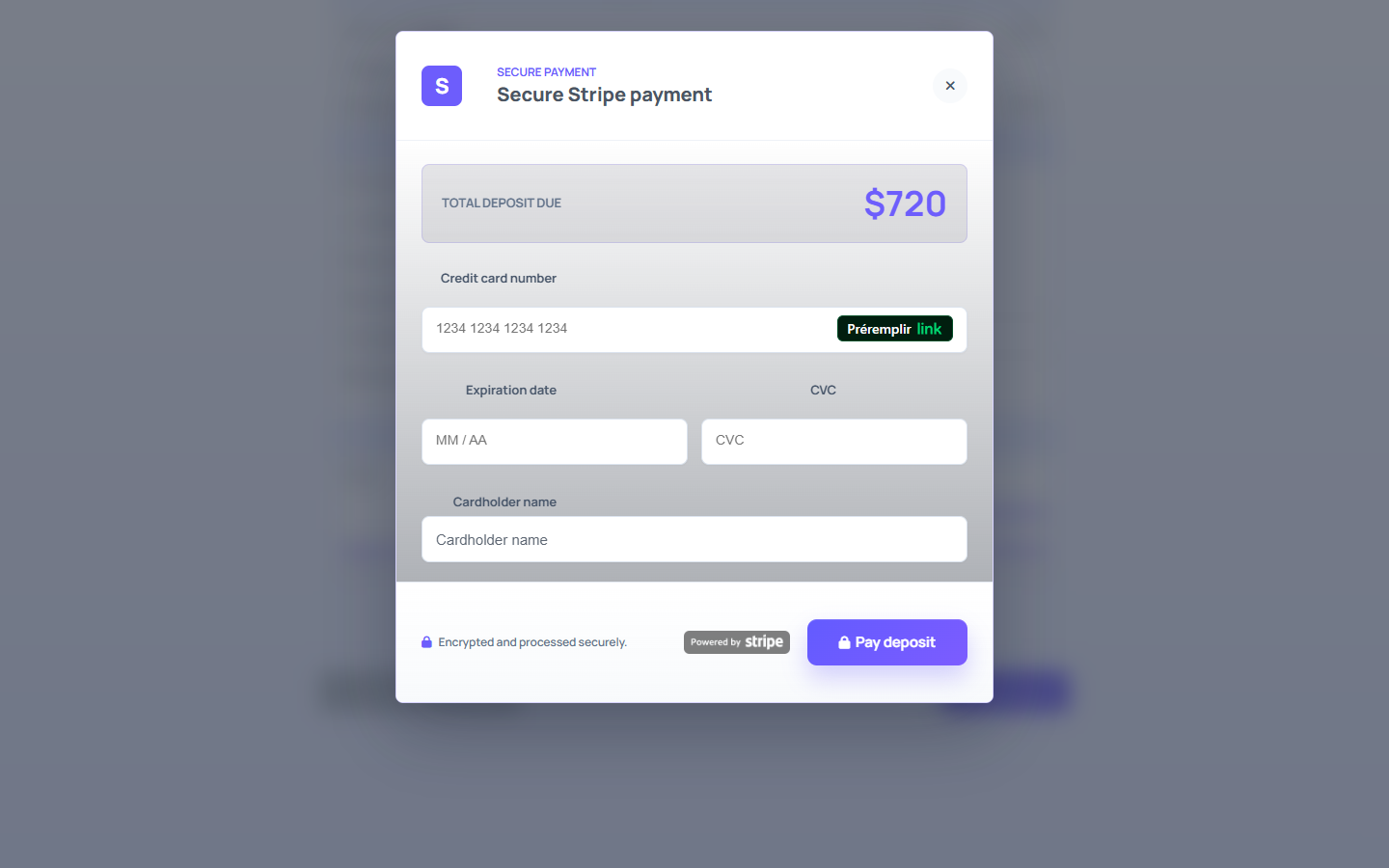
Stripe payment modal opened from a WordPress quote form
Step-by-step Stripe guide11 min read

WordPress Quote Forms with Stripe Payments: Setup Guide

Set up a calculated quote, matched Stripe test keys and a deposit rule. Check the actual payment confirmation, failed attempts and cancellation separately.

  • The existing screenshots illustrate a website quote and deposit. Settings and confirmation were checked against a WP Cost Estimation 10.6.4 code snapshot on 5 October 2026; a fresh WordPress/Stripe test was not performed. Check labels against your installed version. This historical code snapshot does not establish the behaviour of the currently distributed version. These are retained illustrations, not new payment-test captures.
  • Create a website project quote form with the AI wizard.
  • Embed the form with fullscreen="true" for a focused buyer experience.
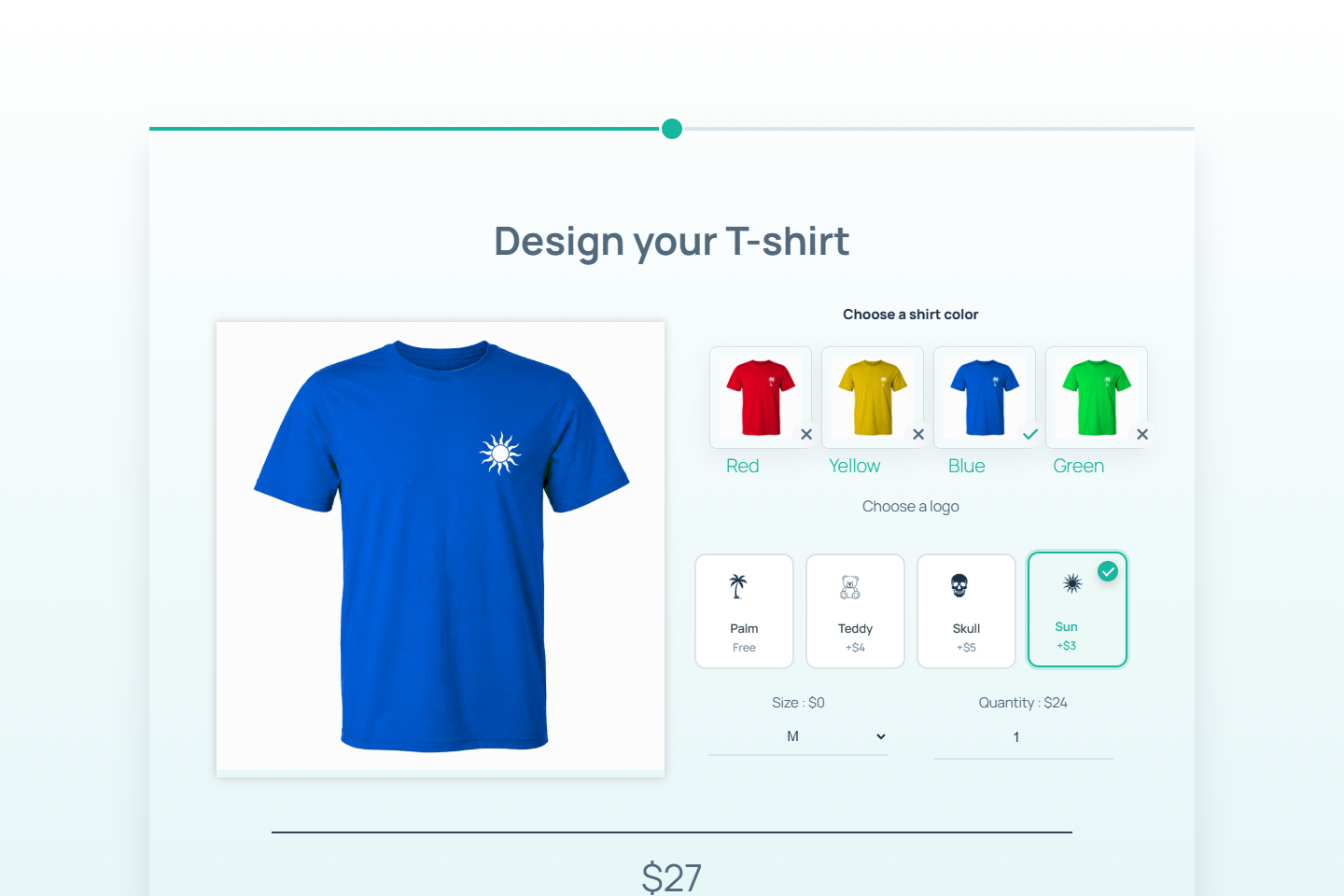
WooCommerce T-shirt price calculator with Dynamic Image preview
WooCommerce custom product guide10 min read

WooCommerce Price Calculator for Custom Products | Setup Guide

Associate a configurable product, calculate its unit price and check quantity in the cart. Follow the illustrated T-shirt setup and a worked pricing example.

  • Existing illustrations show the T-shirt builder. Product association and cart-price handling were inspected in a WP Cost Estimation 10.6.4 snapshot on 5 October 2026. No new WooCommerce cart or order test was performed; verify your installed version and store settings. This historical code snapshot does not establish the behaviour of the currently distributed version. The actual payload of the illustrated form and its cart were not observed.
  • Create a WooCommerce product for the custom item.
  • Build one polished configuration step with Dynamic Image on the left and native option rows on the right.
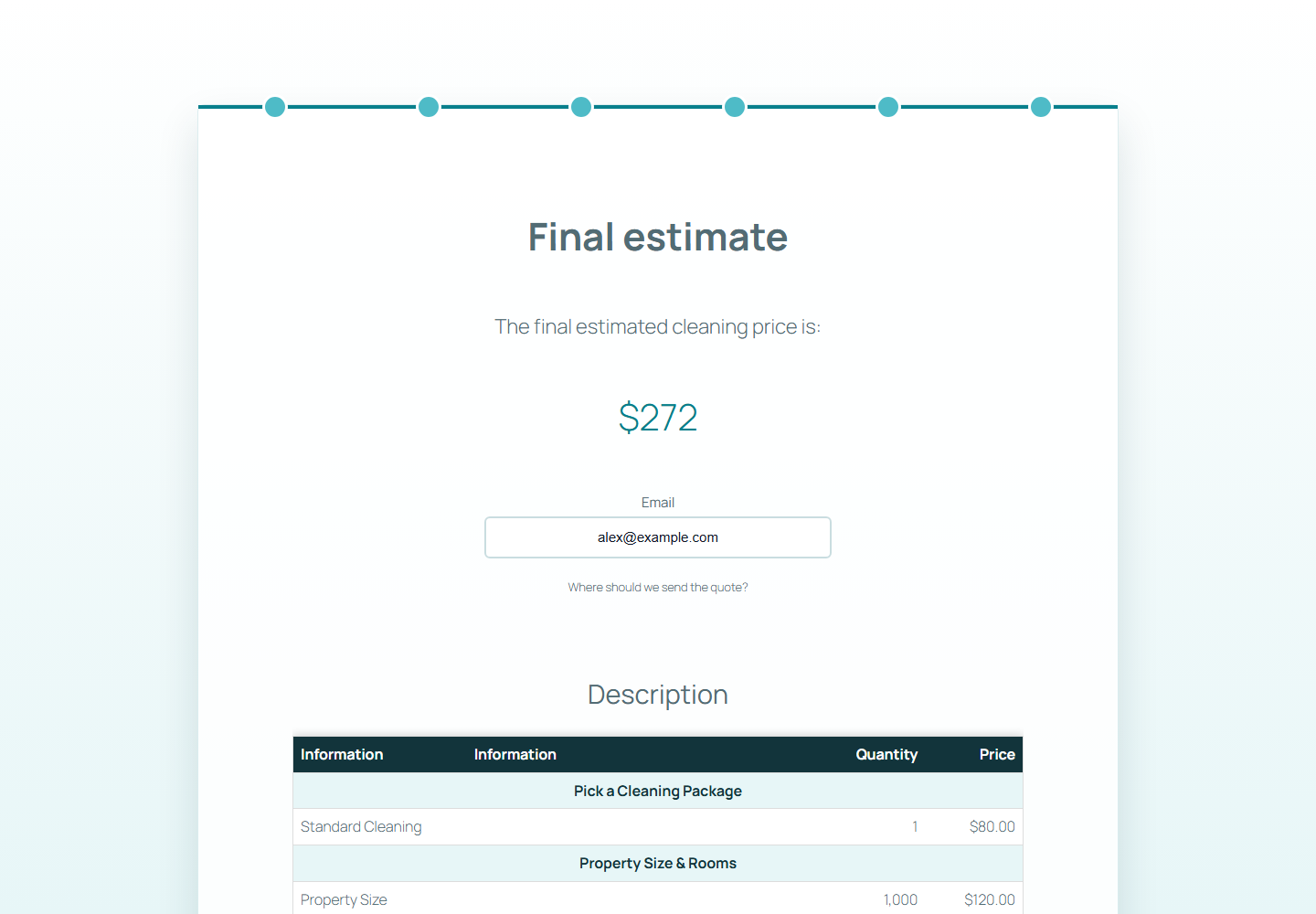
Final summary of a WordPress price calculation form
Step-by-step calculation guide8 min read

How to Create a WordPress Price Calculation Form

Build a WordPress price calculation form with the AI wizard, package pricing, square-foot formulas, add-ons, discounts, and a fullscreen frontend estimate.

  • Generate a price calculation form with the AI wizard.
  • Enable Price calculation on the Property Size item for square-foot pricing.
  • Add package choices, quantities, add-ons, and a frequency discount.