Google Analytics 4 measures site visits and Google Ads measures advertising clicks and checkout completions, only for the purposes you accept. Neither is required to buy. Necessary checkout services remain available.
Fair comparison
WP Cost Estimation vs Gravity Forms
Gravity Forms is a powerful general-purpose form builder for WordPress. WP Cost Estimation & Payment Forms Builder is more specialized around quote calculators, cost estimation workflows, pricing steps, and guided service configuration.
Choose WP Cost Estimation when the main job is an interactive calculator or quote-to-payment workflow. Consider Gravity Forms when the project needs a broad general-purpose form system and the calculator is only one part of a wider form strategy.
Where WP Cost Estimation fits best
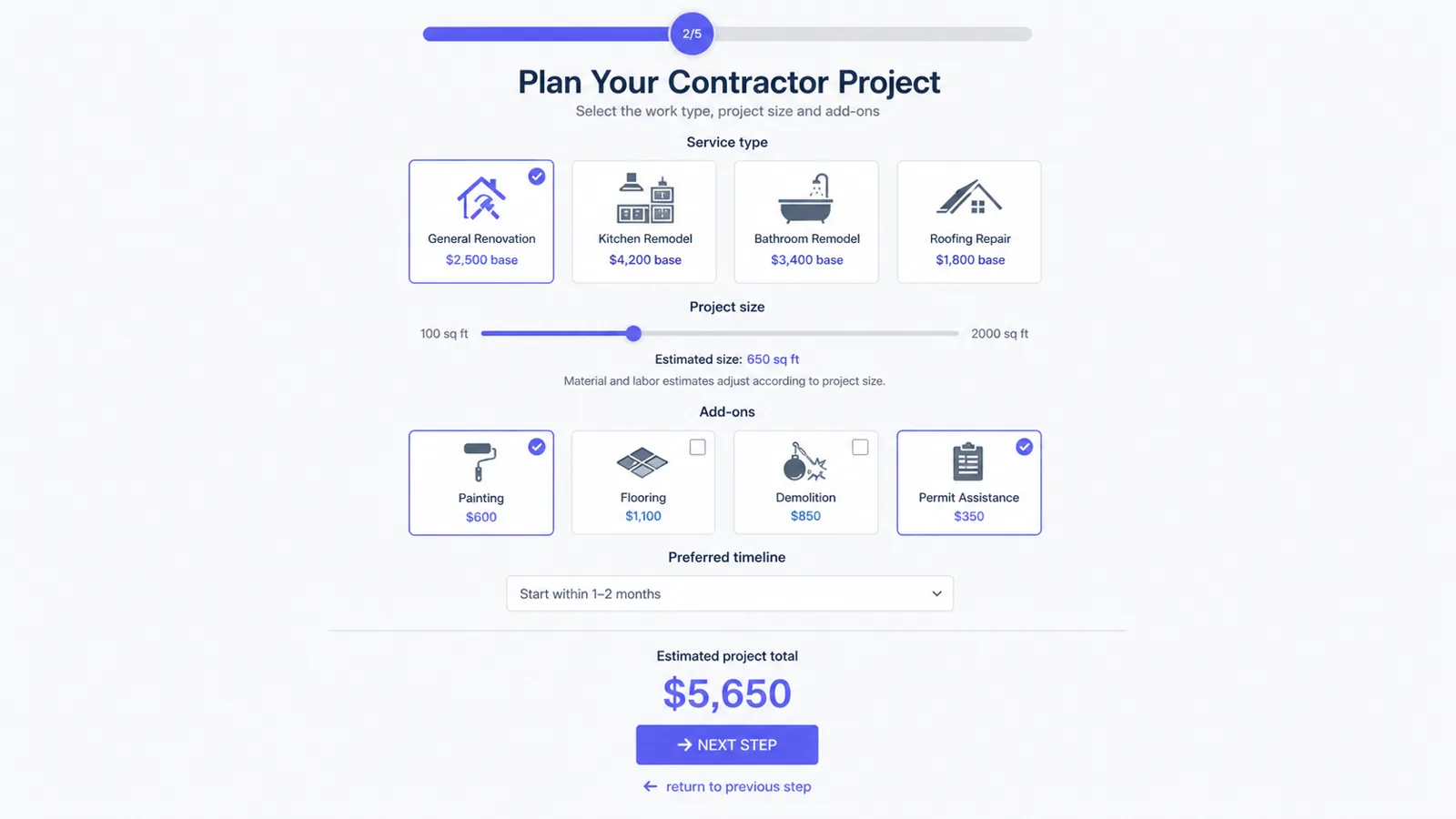
It is built around estimation UX: live totals, multi-step pricing paths, visual service configuration, and quote summaries that support sales follow-up.
Where Gravity Forms fits best
Gravity Forms is a strong option for broad form workflows, data capture, add-on ecosystems, and general WordPress form needs.
Quick comparison
WP Cost Estimation
Need
WP Cost Estimation
Gravity Forms
Quote calculator focus
Built specifically for estimation and pricing workflows
General-purpose form builder, can be adapted
Visual service configuration
Core use case
Possible depending on setup and add-ons
Conditional pricing
Core use case
Possible with calculations and configuration
Payments after estimate
Supported depending on plan and integration
Supported with payment add-ons
Agency calculator projects
Strong fit
Strong fit for broad forms
Best for
Quote calculators and payment estimation flows
Broad form workflows and data collection
Quote calculator focus
WP Cost Estimation
Built specifically for estimation and pricing workflows
Gravity Forms
General-purpose form builder, can be adapted
Visual service configuration
WP Cost Estimation
Core use case
Gravity Forms
Possible depending on setup and add-ons
Conditional pricing
WP Cost Estimation
Core use case
Gravity Forms
Possible with calculations and configuration
Payments after estimate
WP Cost Estimation
Supported depending on plan and integration
Gravity Forms
Supported with payment add-ons
Agency calculator projects
WP Cost Estimation
Strong fit
Gravity Forms
Strong fit for broad forms
Best for
WP Cost Estimation
Quote calculators and payment estimation flows
Gravity Forms
Broad form workflows and data collection
Buyer questions
Frequently asked questions
Is WP Cost Estimation better than Gravity Forms for quote calculators?
For calculator-first quote and payment workflows, WP Cost Estimation is the more specialized fit. Gravity Forms can still be a strong general form platform.
Can Gravity Forms create cost calculators?
Gravity Forms can support calculation workflows depending on setup, plan, and add-ons. The best choice depends on how visual and quote-specific the calculator needs to be.
Which plugin is better for service businesses?
A service business that mainly needs instant quotes, deposits, and guided pricing should start by evaluating WP Cost Estimation.
Which plugin is better for agencies?
Both can work for agencies. WP Cost Estimation is stronger when the agency sells quote calculators as a repeatable client deliverable.
Recommended next steps
Review the demos, compare the pricing section, and use the documentation to verify the exact workflow before building a complex calculator.