
Loading...
From the client’s pricing rule to a tested handover.
Use WP Cost Estimation as a tool for a client website project: define the scope, build the form, verify the rules and prepare handover. This page describes that service workflow. Delivery time and income depend on your project; license resale and effective rights are not established here.
The inputs below illustrate gross service fees before labor, taxes and additional costs. They are not a resale-price recommendation or a revenue forecast. Delivering a service does not establish a right to resell a software license.
Gross service revenue
€6,000
Before labor, taxes and any extra service costs.
Tool cost per build
$42
Based on the $249/year Agency plan.
Break-even logic
Check costs
Include labor, tax, currency differences and effective license conditions; a single sale is not a proven break-even rule.
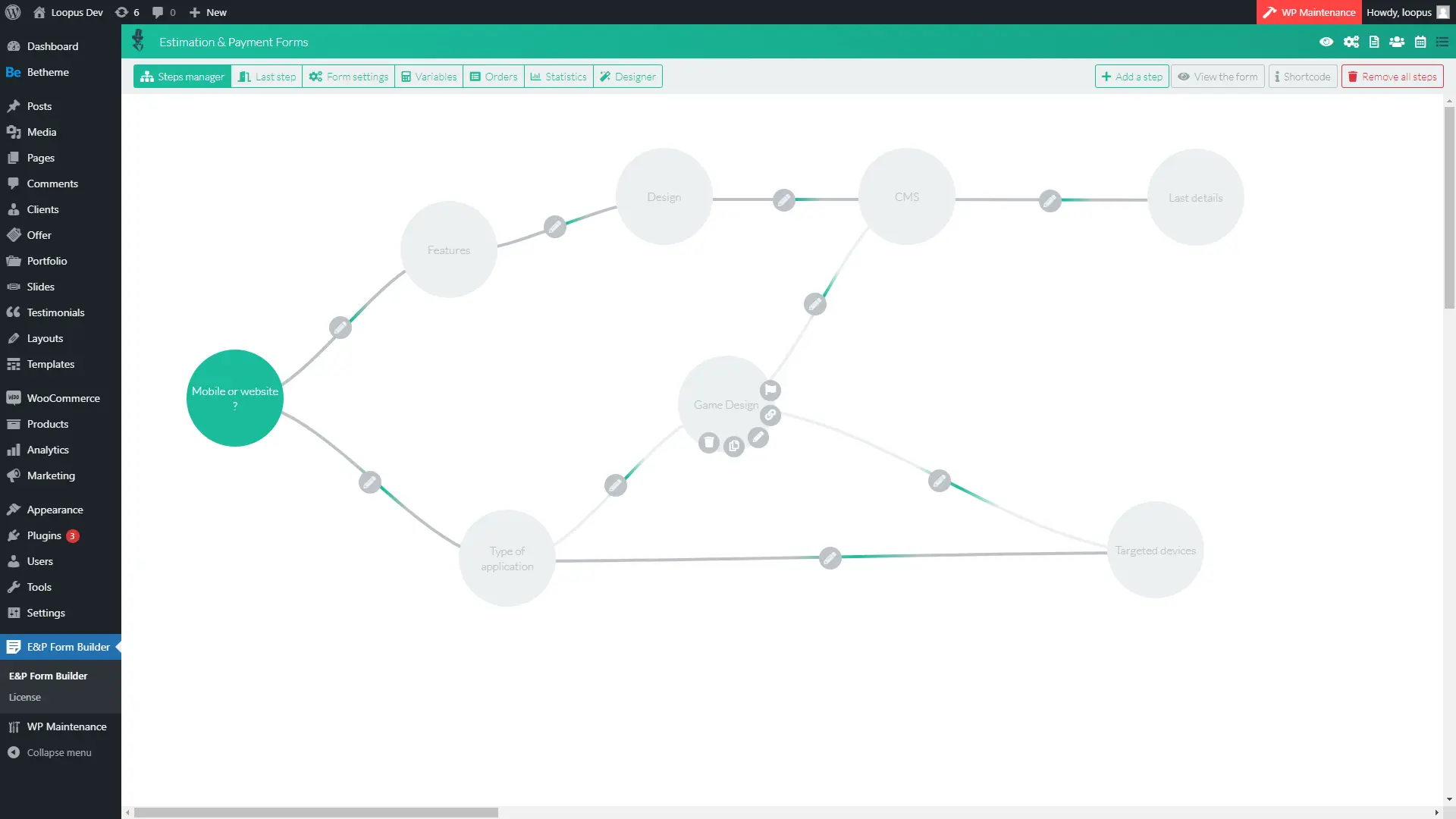
Step 1
Use packages, add-ons, conditional paths and service tiers instead of opening a blank custom build.
Step 2
Adjust formulas, quantities, options and requirements so the calculator matches the client offer.
Step 3
Apply client colors and labels. Confirm effective license conditions and white-label configuration before handover.
Step 4
Publish with a shortcode, charge the client, then reuse the same process on the next website.
Your client does not care how many fields the plugin has. They care that visitors can price a service, submit cleaner requirements and move faster toward a paid project.
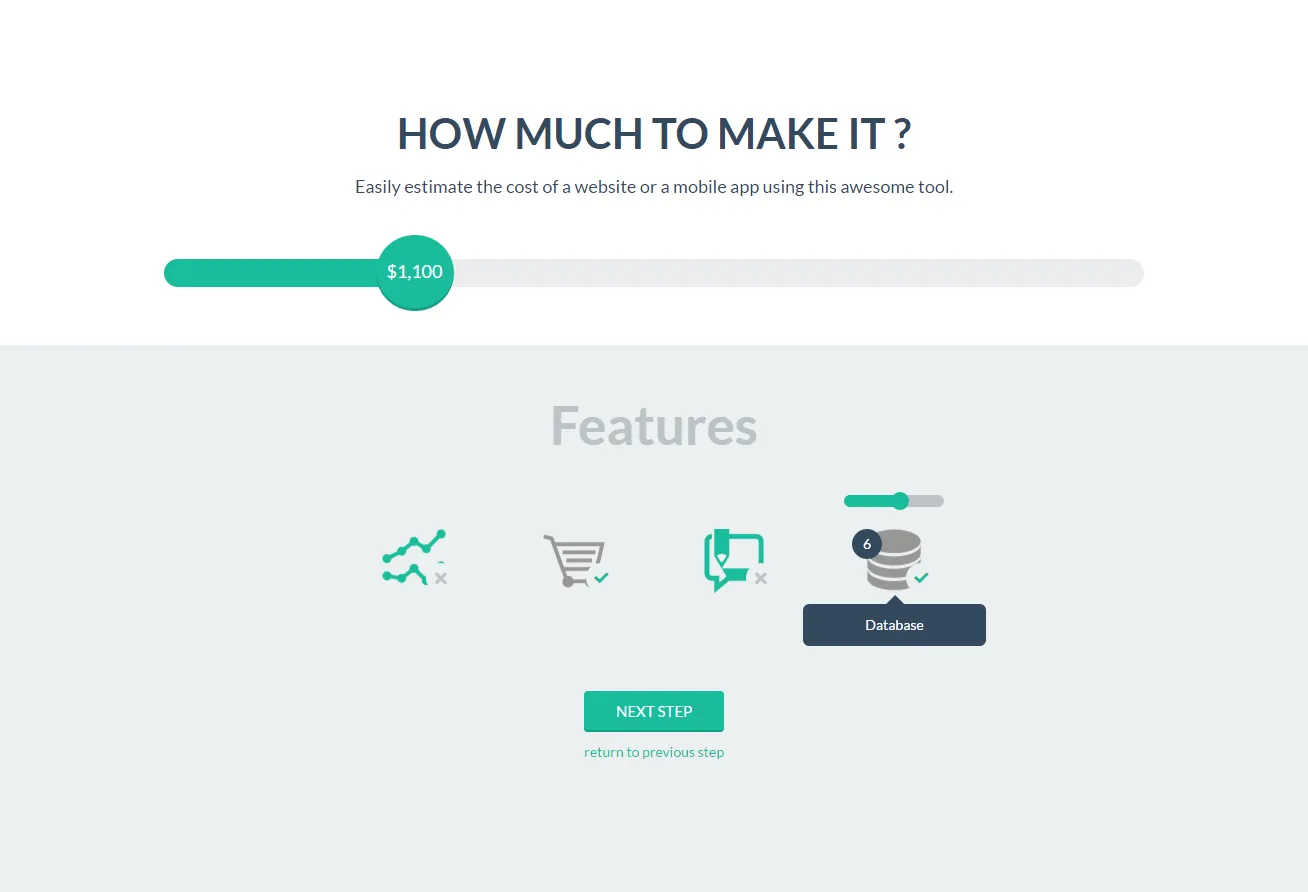
Client-facing quote calculator with live totals
Lead qualification before the sales call
Service packages, retainers and scoped add-ons
Deposits or payments when the project is ready
Email and PDF quote summaries after submission
Reusable pricing systems for future client sites
Quote calculators are usually a system of fields, formulas, conditions, payments and presentation. That is exactly the work a specialized builder should absorb.
This site advertises white-label and 5 sites for Agency. That description does not verify checkout configuration or the rights of an existing license. Confirm effective rights and activation limits before promising them to a client.
Send cleaner follow-up after the form is submitted.
Turn one build method into a packaged agency offer.
This page is for agencies. The product is the plugin, but the agency offer is the client-ready calculator you can sell as a website feature.
This site advertises white-label for Agency. Confirm the effective license conditions and your configuration before promising branding removal.
The simulator uses illustrative service-fee inputs. Set your own fee from scope, labor, taxes and other costs; no fee range, income or margin is guaranteed.
No. You can build with fields, formulas, conditional logic, multi-step flows and styling controls inside WordPress.
Use the existing Agency offer when its effective conditions fit your project. The service-budget inputs above are hypothetical, not promised client fees or margin.
Compare the tool before planning a client delivery. For your own services, use the separate website-project example. Building a form for a client does not establish a right to resell the software license.