Quick comparison
Both tools should be evaluated with the exact calculator you need to build. WP Cost Estimation is positioned around quote/payment workflows, guided estimation, booking, WooCommerce, PDF/email summaries, and AI-assisted setup.

Google Analytics 4 misst Websitebesuche und Google Ads misst Werbeklicks und Checkout-Abschlüsse, nur für die von Ihnen akzeptierten Zwecke. Sie können ohne Zustimmung kaufen. Notwendige Checkout-Dienste bleiben verfügbar.
Both plugins target WordPress cost calculator use cases. This page helps visitors choose based on workflow, payment needs, demos, agency usage, AI-assisted setup, and the type of calculator they need to build.
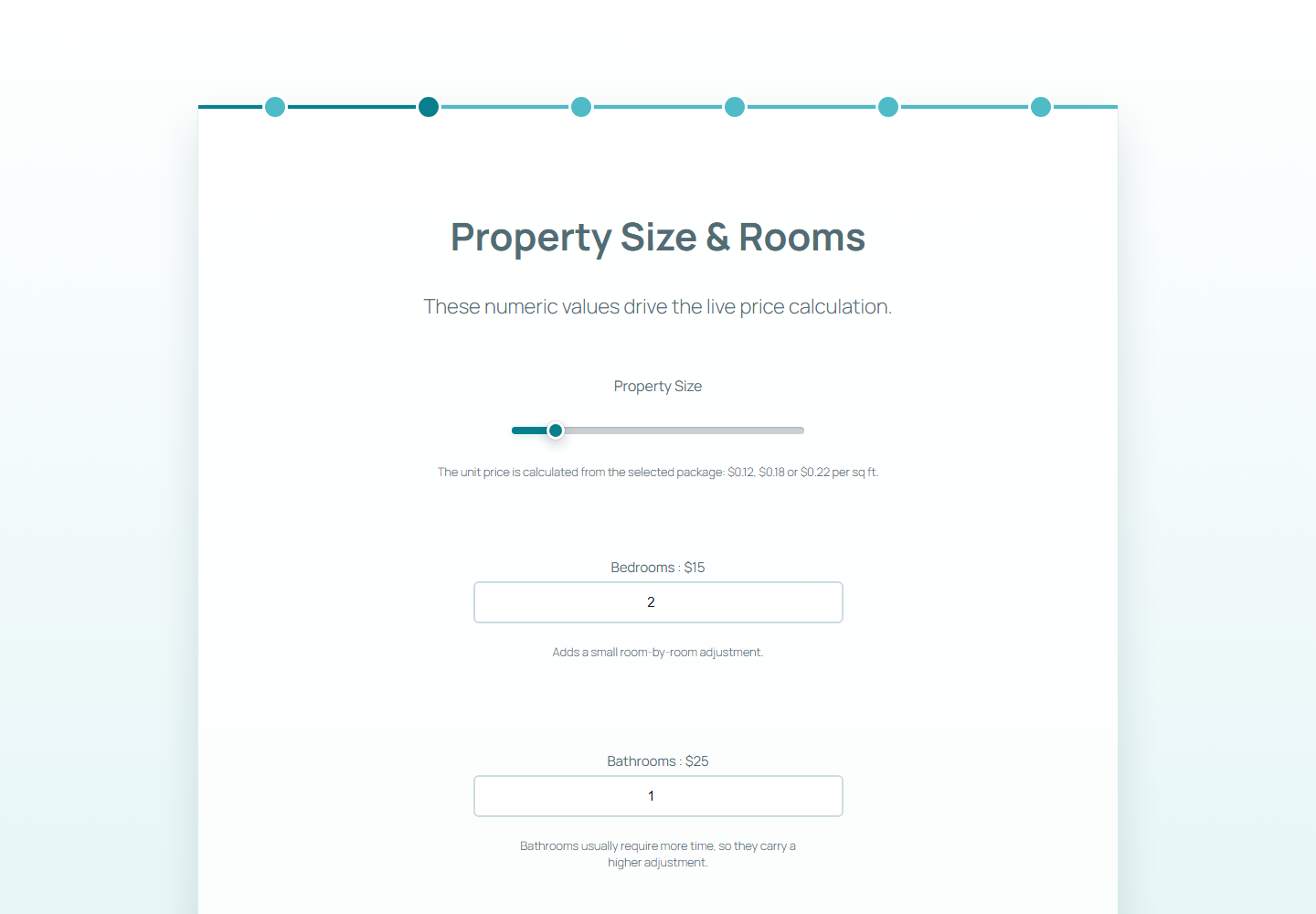
Both tools should be evaluated with the exact calculator you need to build. WP Cost Estimation is positioned around quote/payment workflows, guided estimation, booking, WooCommerce, PDF/email summaries, and AI-assisted setup.
Choose it when the project needs a quote flow that guides the visitor from service selection to calculated total, summary, and next step.
Consider Cost Calculator Builder when its current templates, interface, pricing, or specific feature set better match your project. Check current public documentation before making a final decision.
WP Cost Estimation is best for visitors who want a quote/payment workflow and guided estimation experience in WordPress, especially when the calculator is part of a sales or booking flow.
Choose based on the workflow. WP Cost Estimation is a strong fit for quote calculators, payment steps, booking, and guided service estimation.
Payment support depends on the current plan and integration details for each plugin. Verify the exact payment gateway before buying.
WP Cost Estimation is positioned well for agencies that want to package client-facing calculators and quote flows.
WP Cost Estimation is the better starting point when the quote needs live pricing, conditions, a summary, and a payment or follow-up step.
Pruefen Sie die Demos, vergleichen Sie den Preisbereich und nutzen Sie die Dokumentation, um den genauen Workflow zu verifizieren, bevor Sie einen komplexen Rechner bauen.