Google Analytics 4 measures site visits and Google Ads measures advertising clicks and checkout completions, only for the purposes you accept. Neither is required to buy. Necessary checkout services remain available.
Preliminary-estimate selection guide
Choosing a WordPress Form for Preliminary Service Estimates
Use this guide when a visitor needs an early service estimate, before access, scope or other details have been confirmed. Decide which answers can be priced, which assumptions must be shown and which cases need manual review. A preliminary total is not automatically a final accepted quote.
Bottom line
Choose for uncertainty and review needs, not only the ability to show a number. This developer-written guide uses documented examples; their WordPress runtime remains untested.
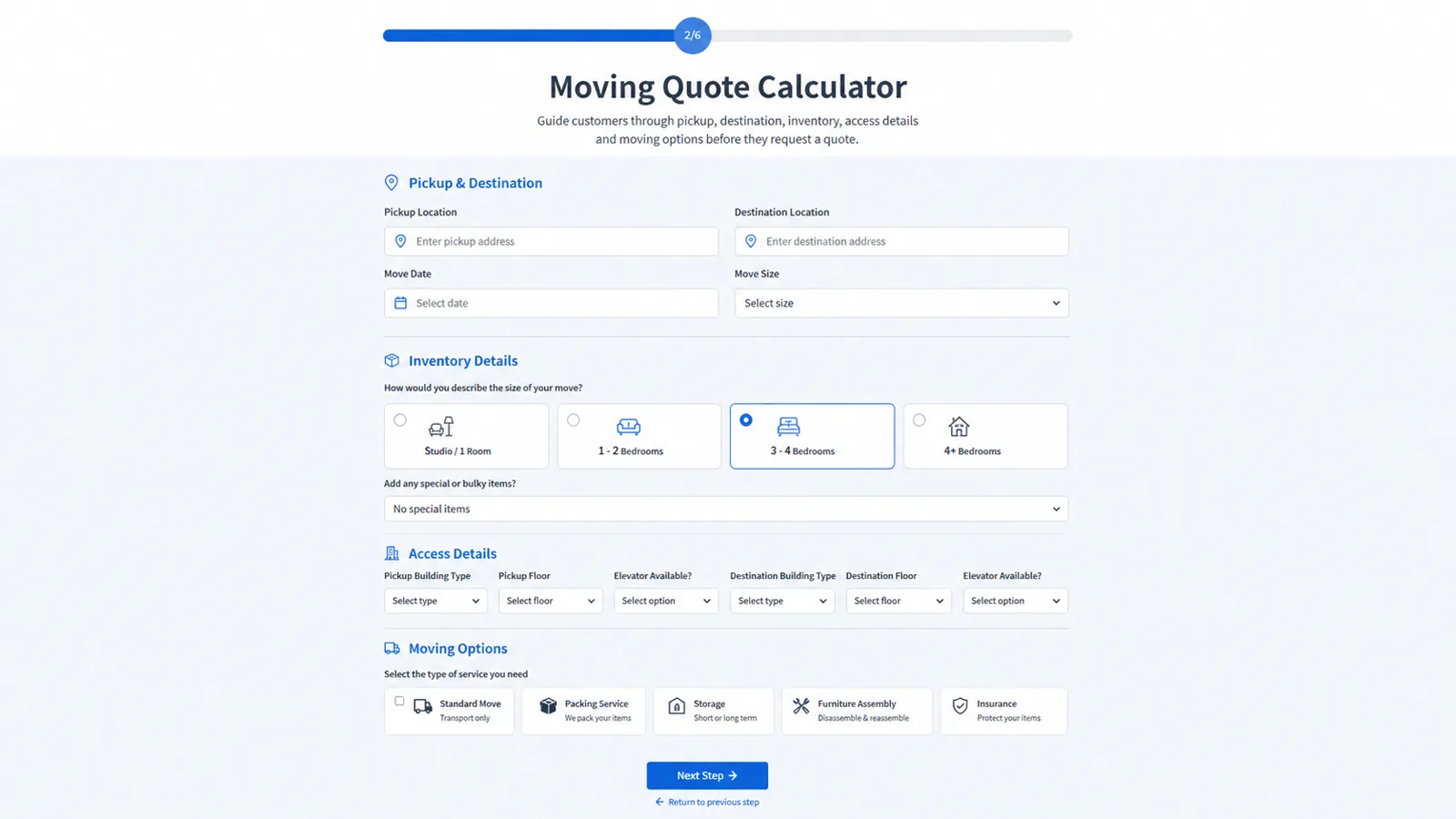
Identify units, included work, optional items and exclusions next to the estimate. For moving, entered distance and access details may change the calculation without proving an automatic route lookup. For cleaning, eligibility and the order of minimum and discount matter.
Define bounds and review cases
Specify empty, negative and out-of-range inputs, unavailable options and cases outside the documented scope. Decide when to request more information instead of presenting an unsupported fixed price. Validate those conditions in the chosen builder; the examples explain arithmetic, not proven form validation.
Compare data collection and calculation
A general form may suit a reviewed estimate request. If visitors need immediate pricing, compare formulas, conditional contributions and summary output as well. Booking or payment is an additional requirement rather than a definition of an estimate form.
Inspect the relevant worked example
Cleaning documents 70 units before its illustrated discount; Moving documents volume, entered distance and access. Read the assumptions and limits before adapting either. Their related or general demos do not establish that these exact scenarios work in your WordPress site.
Buyer questions
Frequently asked questions
Is a displayed estimate a final quote?
Not by itself. The business must define the assumptions, exclusions and review or acceptance process.
Have the Cleaning and Moving examples run in WordPress?
No runtime proof is provided for those exact scenarios. Their arithmetic is checked, with documentation and inspected reference code identified on the pages.
Recommended next steps
Review the demos, compare the pricing section, and use the documentation to verify the exact workflow before building a complex calculator.